
In MediaPlanHQ, the default sort mechanism is by a single column.
To sort, you click on the column header and toggle the different sort types. One click, it sorts ascending (A-to-Z), another click, it sorts descending (Z-to-A), another click, it removes the sort.
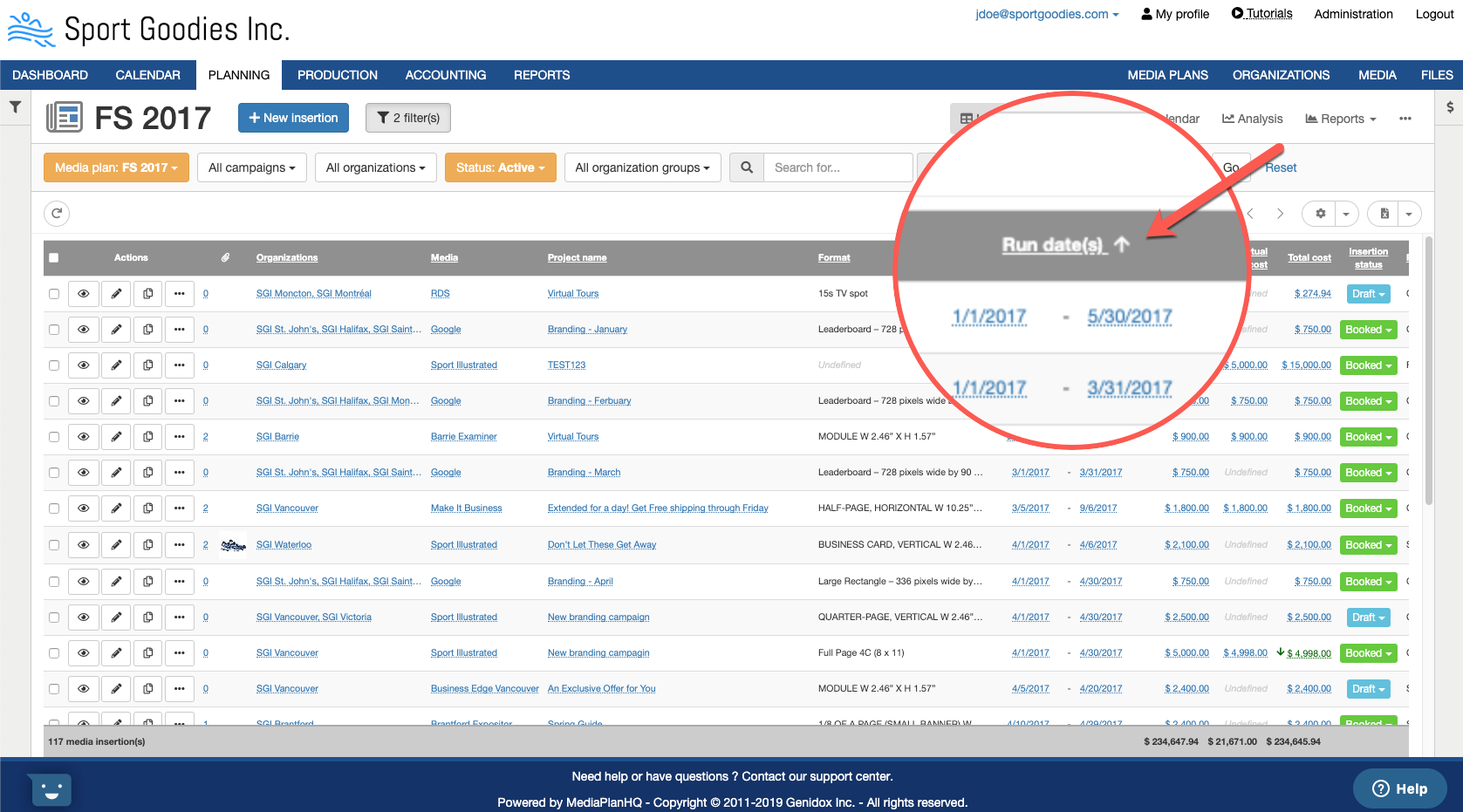
Default sort configuration
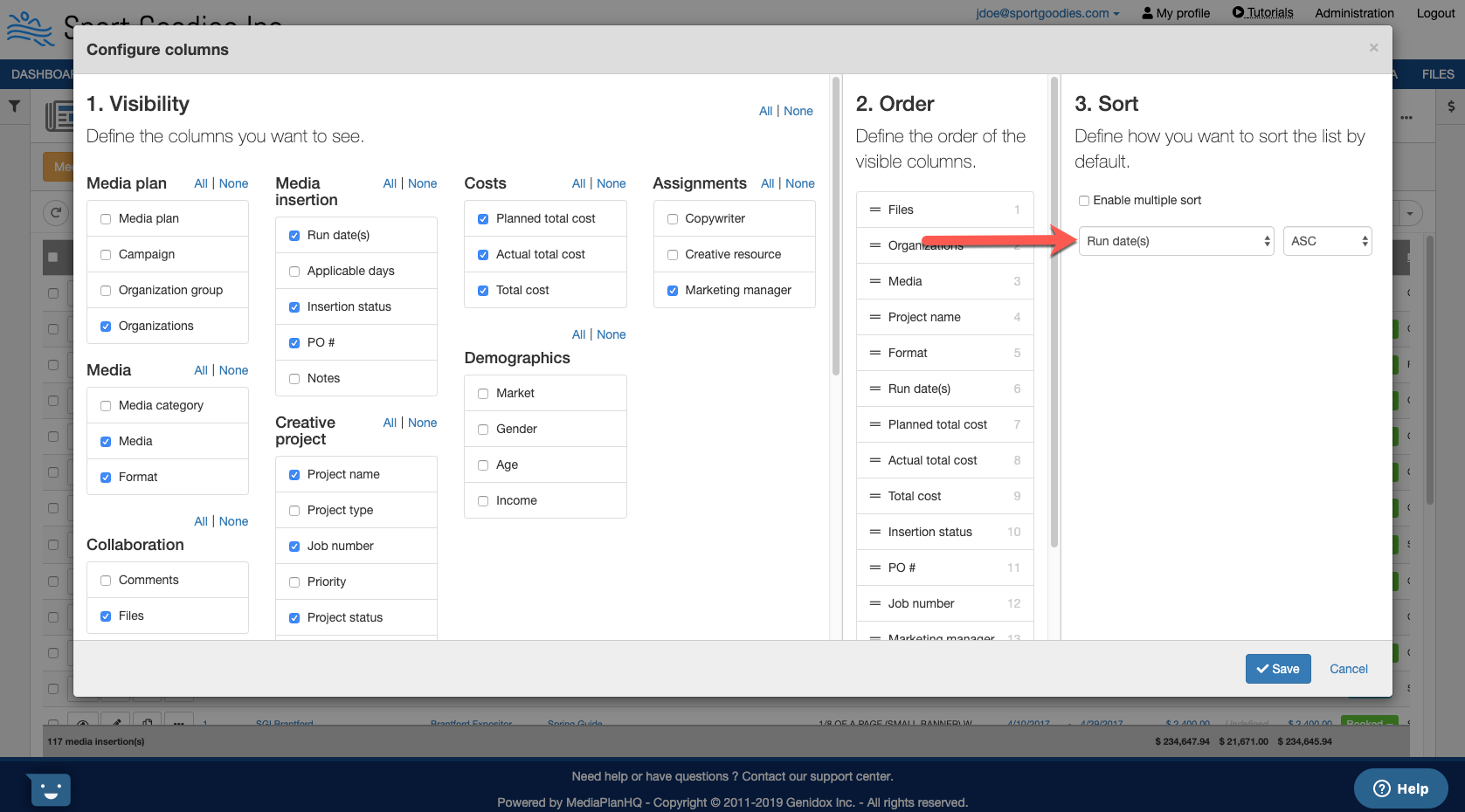
You can also configure the default sort for a given list.
Click on the configure columns "gear" icon:
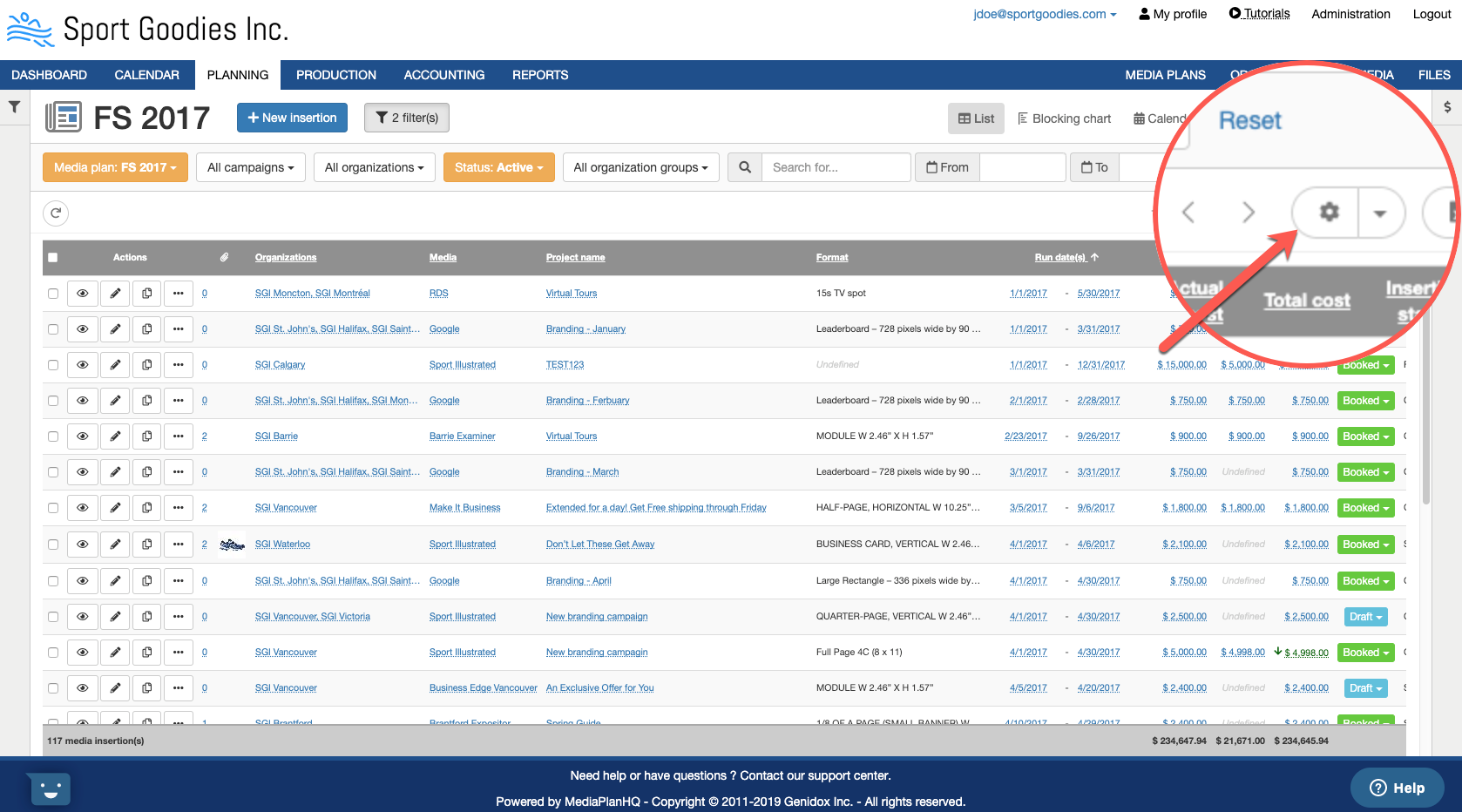
Then, set the sort column and type to be used as defaults for that list.
Sort by multiple columns
MediaPlanHQ also supports sorting by multiple columns.
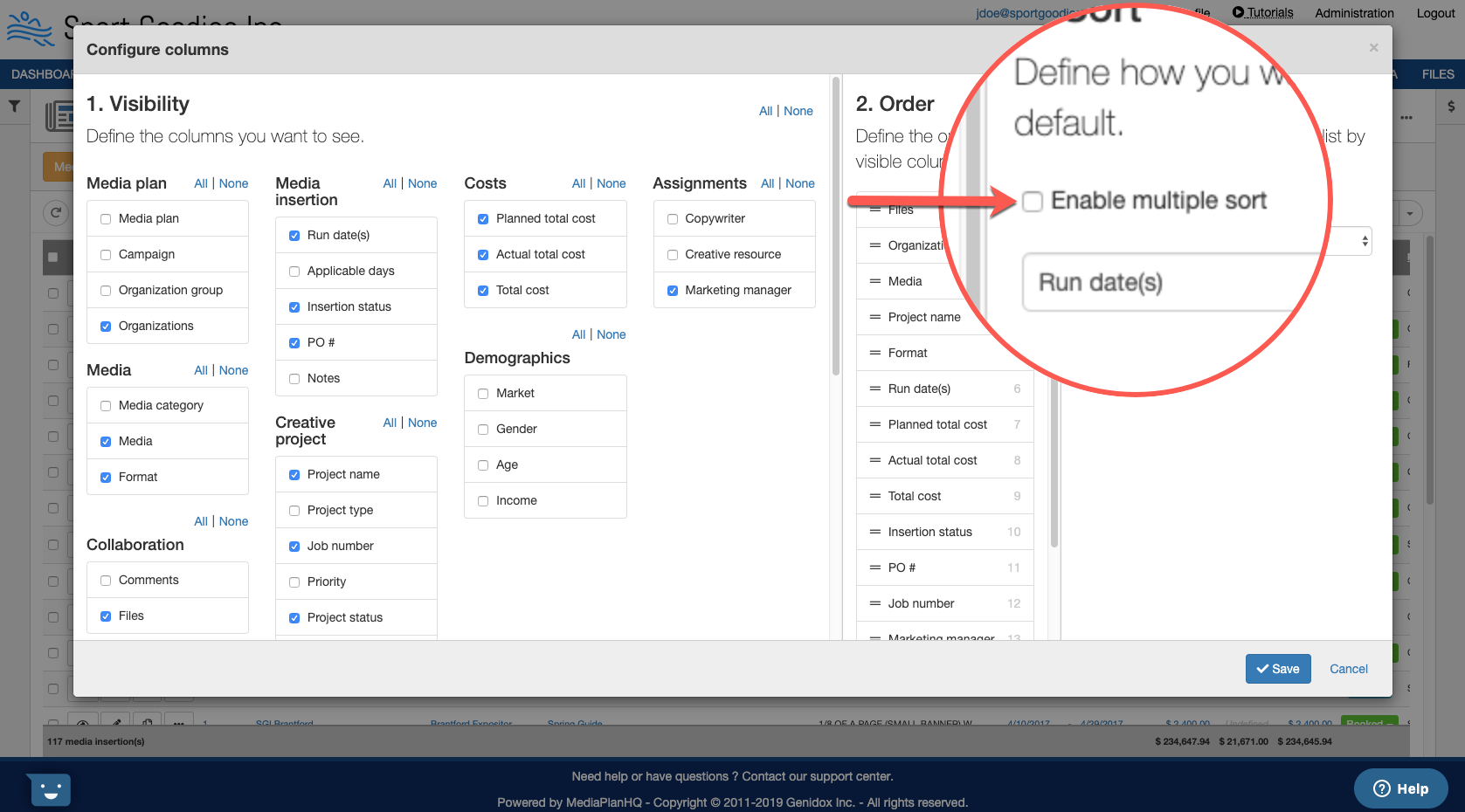
To enable multiple sort, click on the the configure columns "gear" icon:
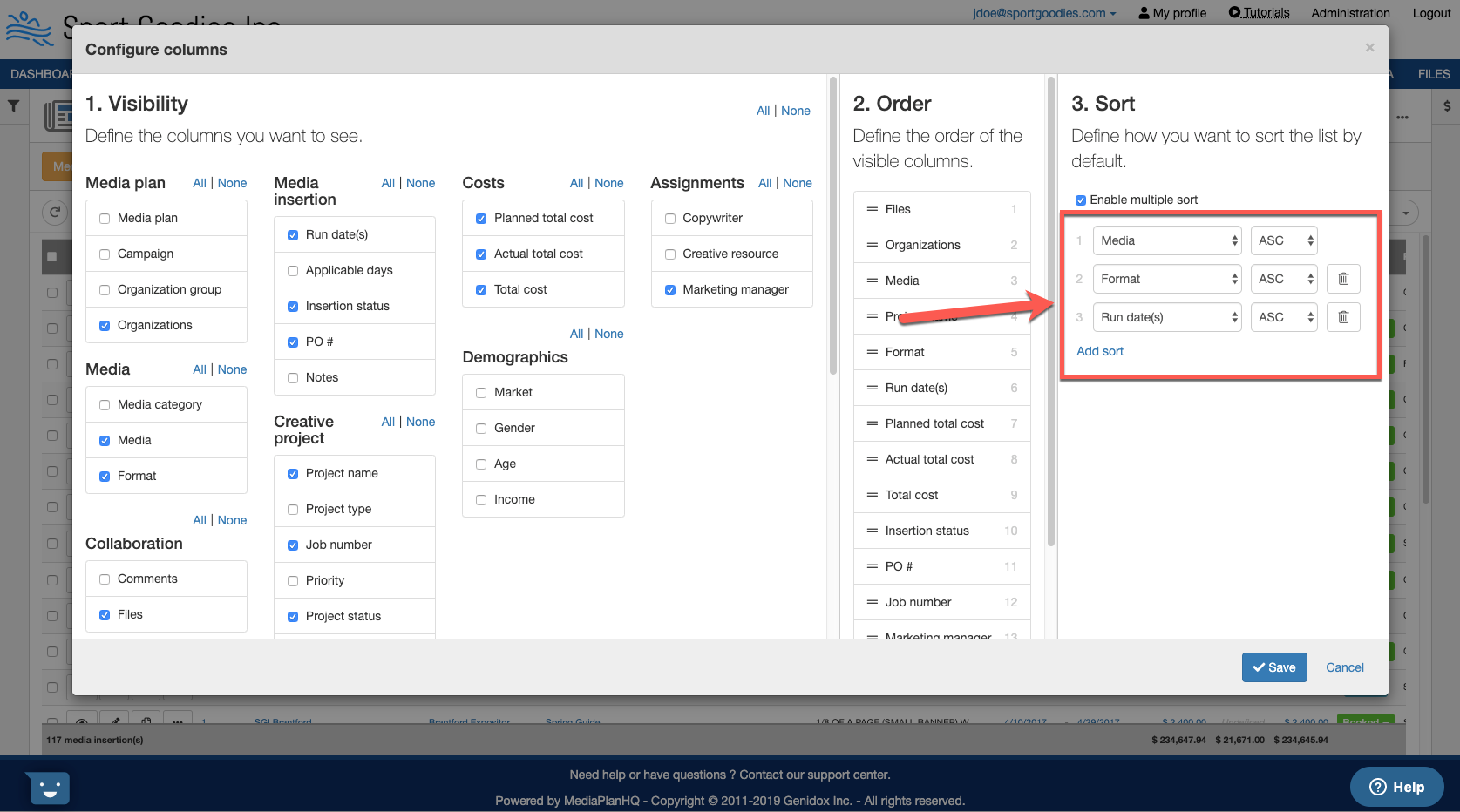
Click the "Enable multiple sort" checkbox.
You can now add/remove sort options in the order you want. For example, you could sort by media, then by format, and finally by run dates.
In the list, the sorts are identified with the arrows and an index of the order they are applied.
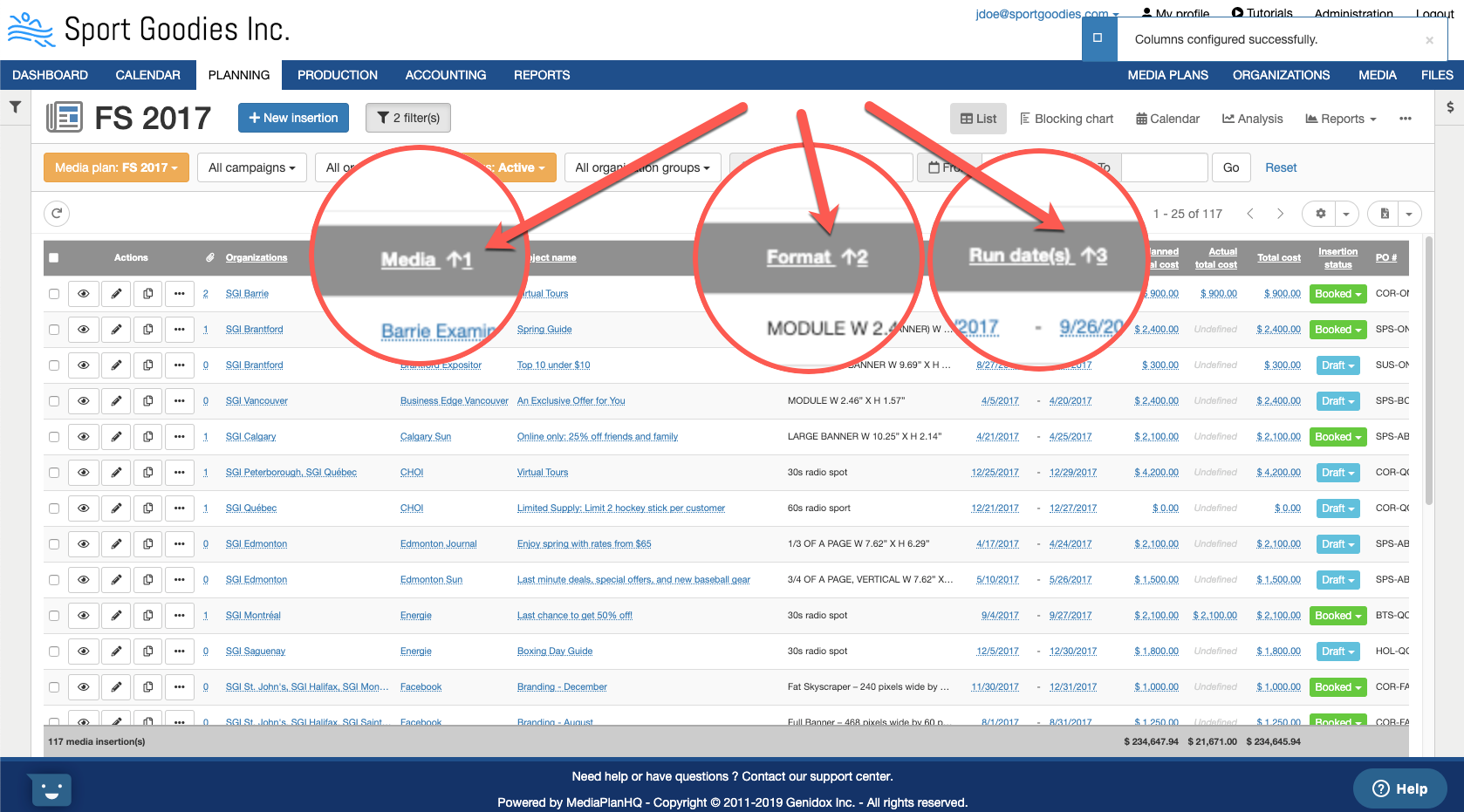
With the multiple sort enabled, when you click on a header, it "adds" the sort to the list.
Thus, if I click on the "Organizations" header, I'll add a 4th sort. This does not change you default.
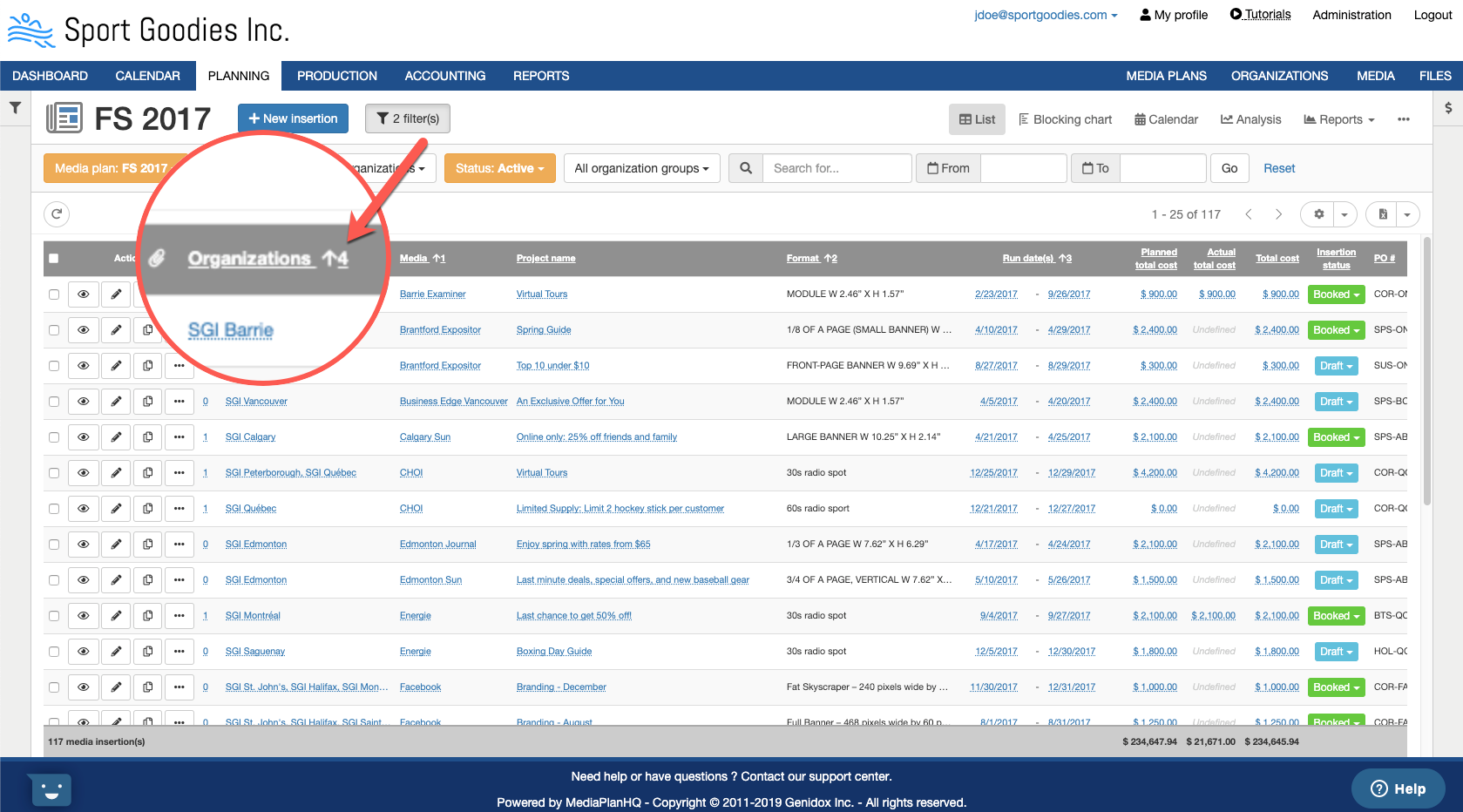
To remove a sort in the list, click on the header until the sort is removed.
For example, If you click one time on the "Organizations" header, the sort will be in reverse order (Z-to-A). If you click another time, the sort is removed.
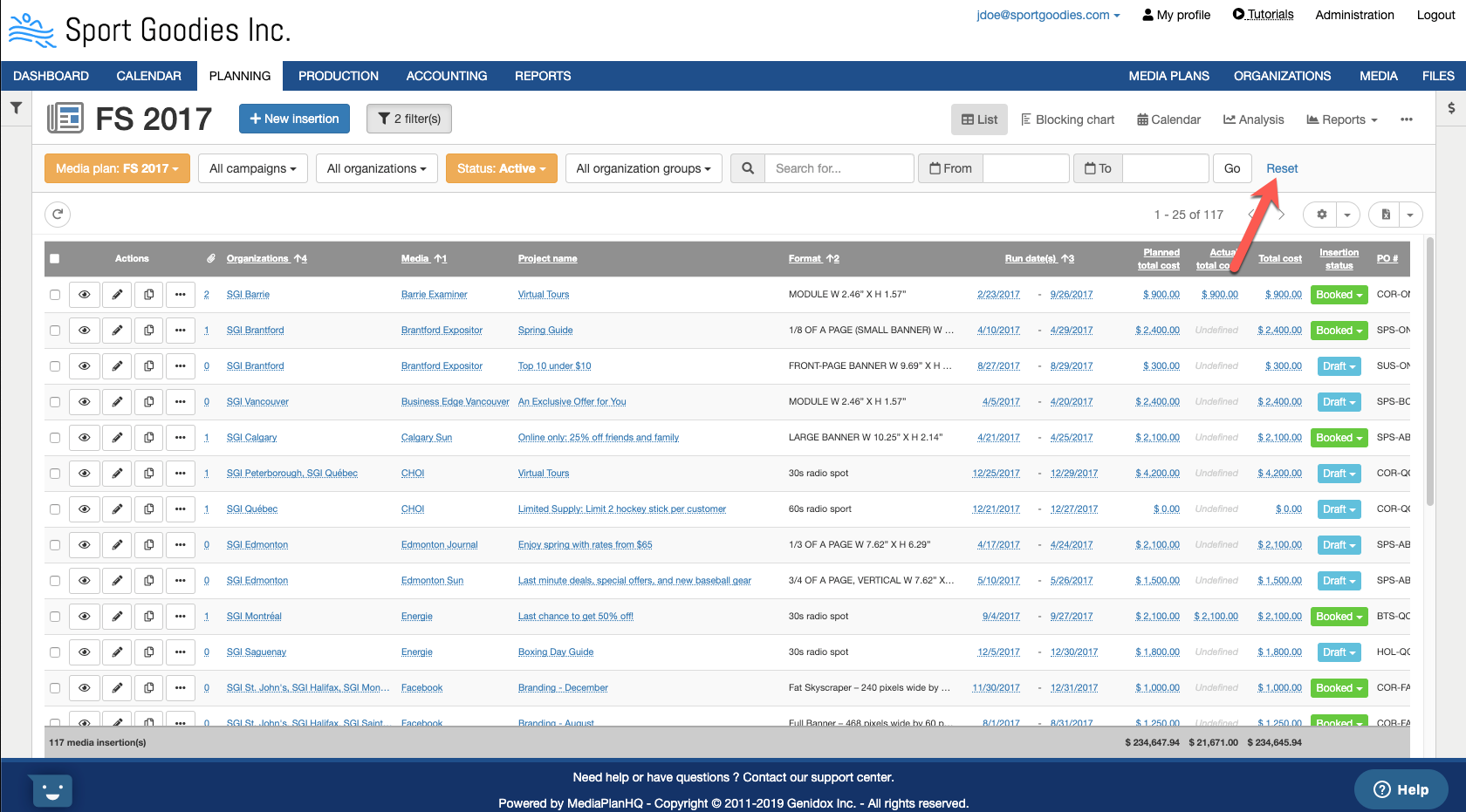
You can always revert back to the default sort by clicking the "reset" link.
Comments
0 comments
Article is closed for comments.