
1. Find the invoices approved
Here are the steps to find invoices ready for payment to the media supplier:
- STEP 1: Go to the Accounting module.

- STEP 2: Use the Search & Filters to lists all the invoices that require your approval.
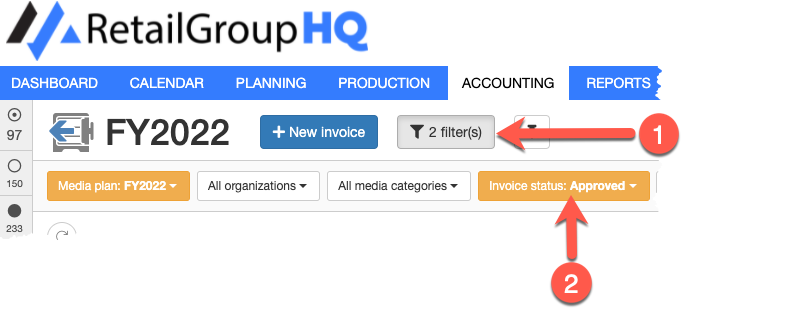
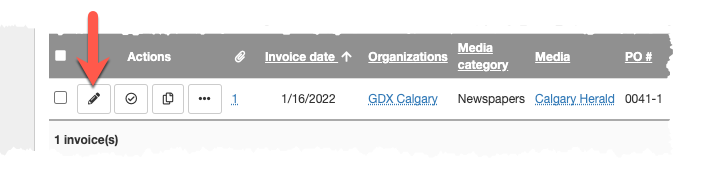
- STEP 3: Click the Update button. This displays the Update invoice form.
2. Pay the invoice in your accounting system
The actual payment of invoice is not done by MediaPlanHQ.
Use the information in the invoice form to pay the invoice in your accounting system.
- STEP 4: Fill the payment information in the Payment section

3. Transition the invoice
Finally, when the invoice is paid, transition the status to complete your workflow.
Continue with these steps to transition the invoice:
- STEP 8: Select the invoice status in the Invoice workflow section.

By default, this is the Paid step. The invoice will now disappear from the list as its workflow is complete.
Comments
0 comments
Article is closed for comments.